Welcome
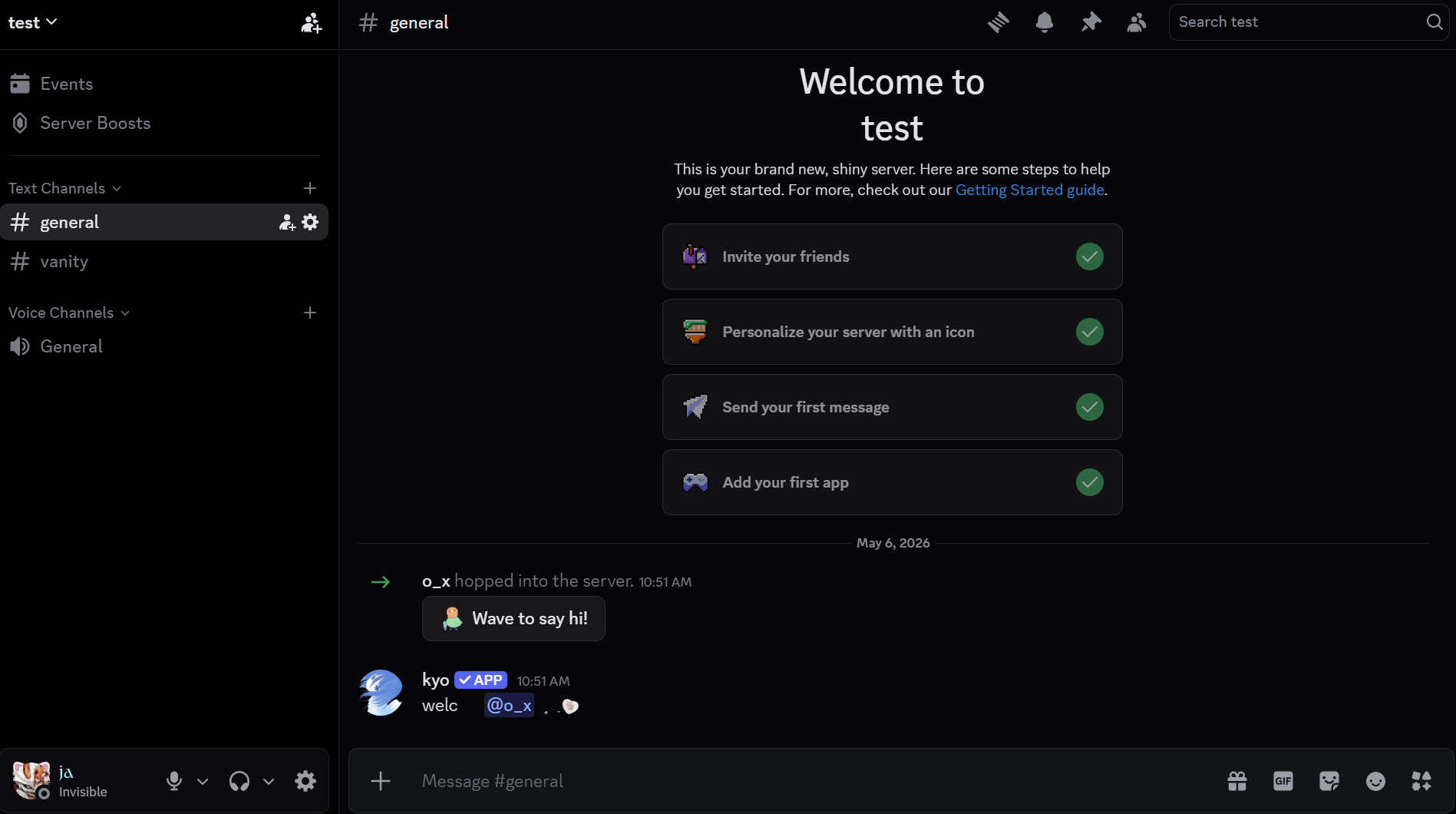
Greet new members with a custom message when they join your server. Set the channel via slash command and configure the role and message from the dashboard.
Features
| Feature | Description |
|---|---|
| Welcome message | Send a message in the designated channel when a member joins. |
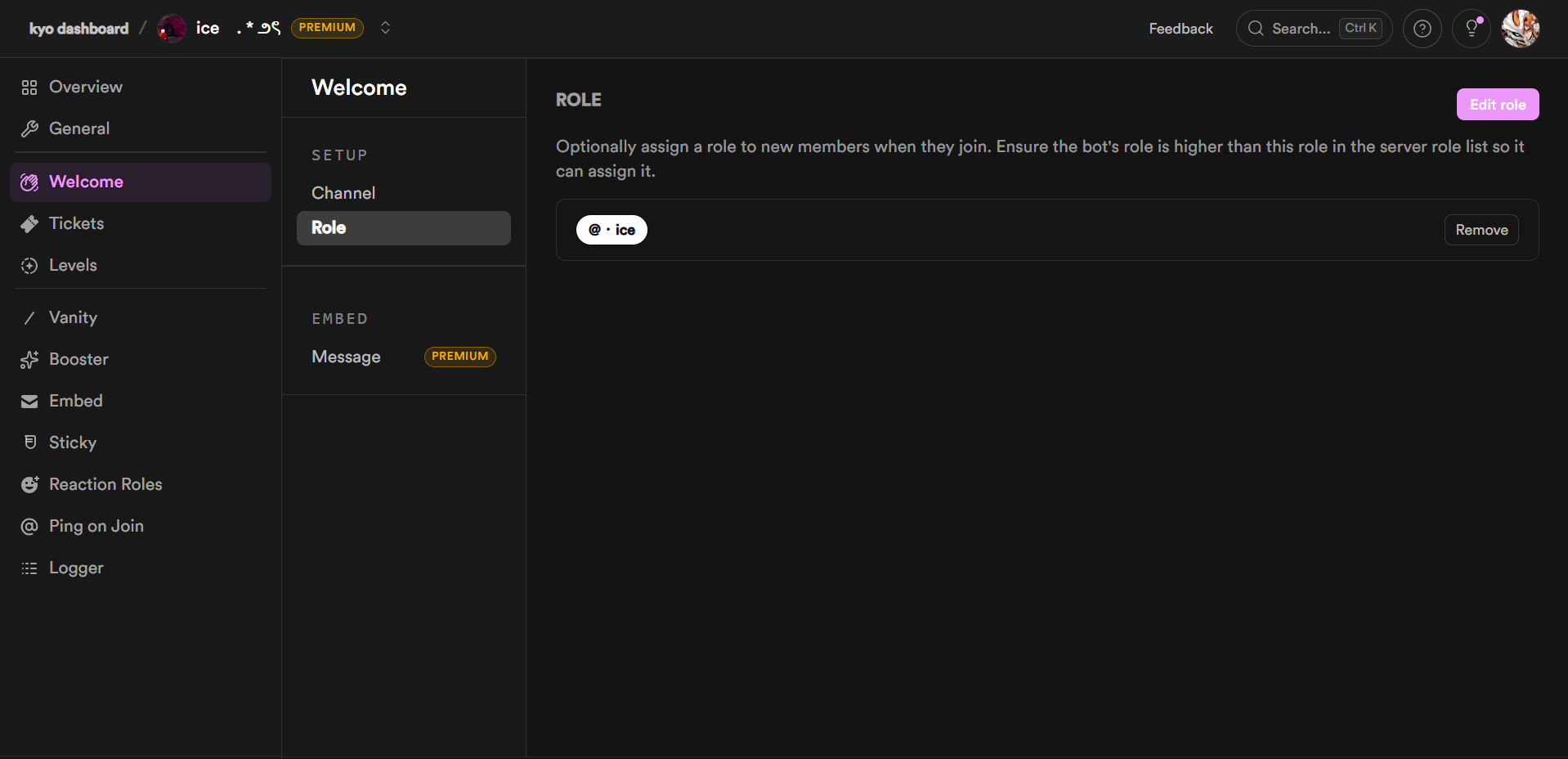
| Welcome role | Automatically assign a role to members when they join. |
| Customisable embed | Configure the message content and images from the dashboard. |
| Welcome channel | Choose the channel where welcome messages are posted. |
Channel
Set the channel where welcome messages are posted.
| Command | Description |
|---|---|
/welcome channel | Set the channel where welcome messages are posted. |
Role
Optionally assign a role to new members when they join. Configure this from the dashboard.
Message
Customise the welcome embed sent when a member joins. Configure this from the dashboard.
Requirements
| Requirement | Description |
|---|---|
| Welcome channel | The welcome channel must allow Send Messages and Embed Links. |
| Manage Roles | kyo must have the Manage Roles permission to assign the welcome role. |
| Role hierarchy | kyo's highest role must be positioned above the welcome role. |
Next steps
- View the full commands reference.
- Pair with Vanity to reward members who promote your server.